
Deel Setup Guide Lite
Follow our setup guide to connect Deel to Fivetran.
Prerequisites
To connect Deel to Fivetran, you need:
a Deel account
an access token with the following scopes:
Resource Scope Adjustment Category adjustments:readAsset it-assets:readContract contracts:readContract Adjustment adjustments:readContract Amendment contracts:read,contracts:readContract Custom Field contracts:readContract Milestone milestones:readContract Off Cycle Payment off-cycle-payments:readContract Payment Cycle contracts:readGroup groups:readInvoice Adjustment invoice-adjustments:readLegal Entity organizations:read,accounting:readLegal Entity Cost Center legal-entity:readManager organizations:readOrders it-orders:readOrganization organizations:readOrganization Structure organizations:readPayslip payslips:readPeople people:readPeople Custom Field people:readPolicy it-policies:readProfile Entitlement time-off:read
Setup instructions
Generate access token
Log in to your Deel account.
Navigate to Developer Center to generate your Access token.
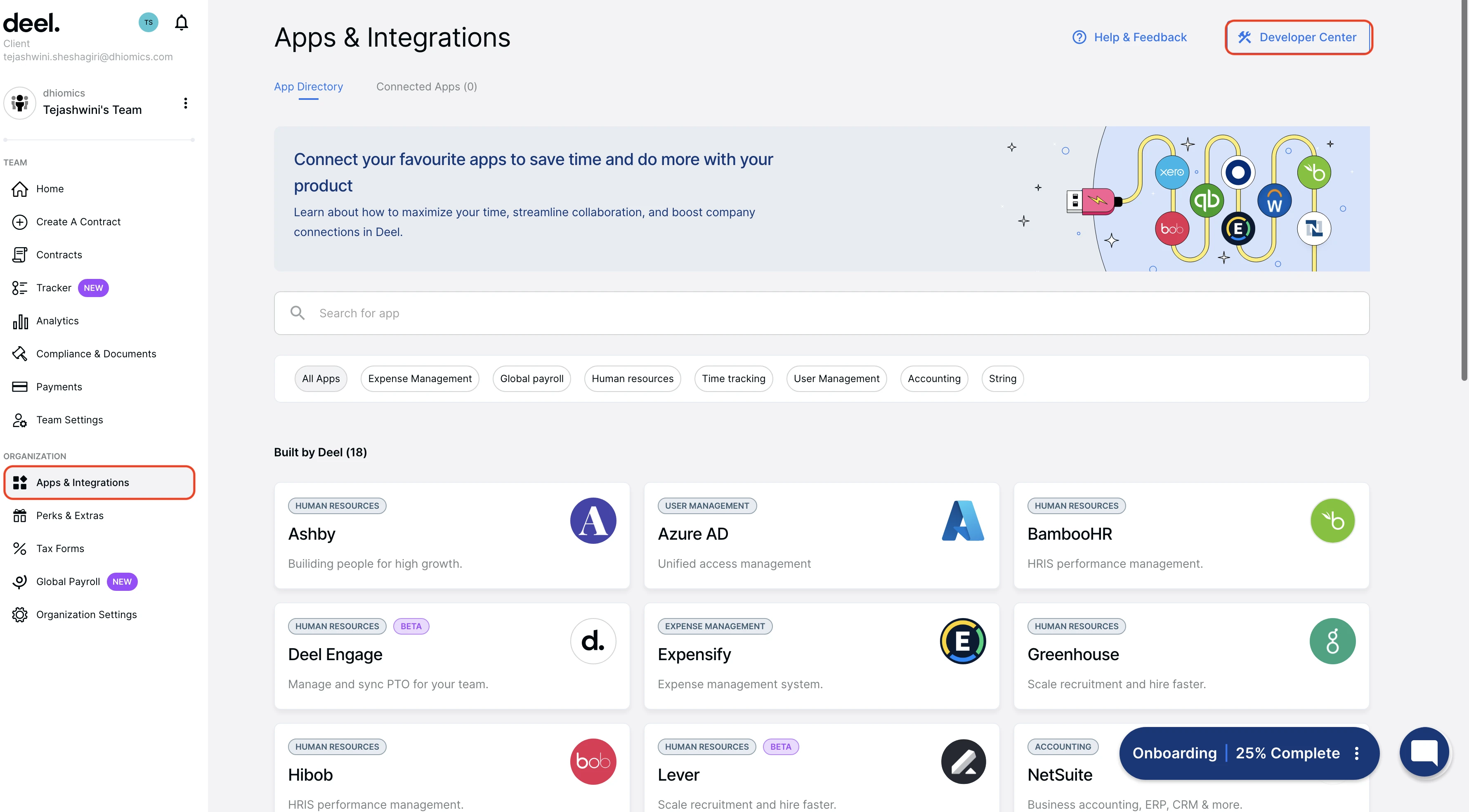
Make a note of the Access token. You will need them to configure Fivetran.
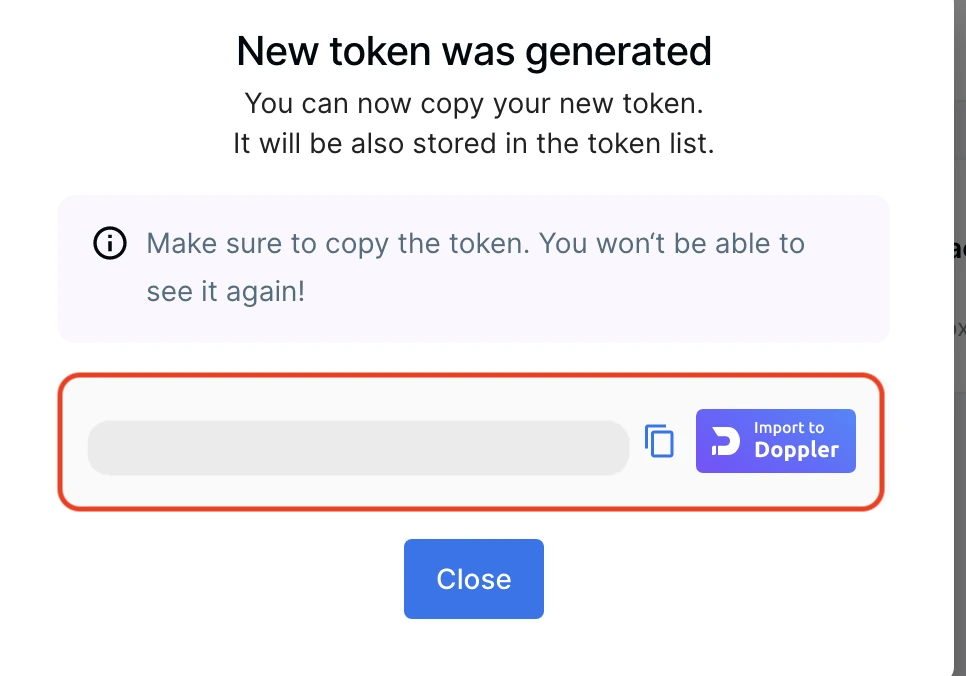
While generating the new access token, check all the read scopes.
Finish Fivetran configuration
- In the connector setup form, enter the Destination schema name of your choice.
- Enter the Access token you found.
(Hybrid Deployment only) If your destination is configured for Hybrid Deployment, the Hybrid Deployment Agent associated with your destination is pre-selected for the connection. To assign a different agent, click Replace agent, select the agent you want to use, and click Use Agent.
- Click Save & Test. Fivetran will take it from here and sync your Deel data.