
Pendo
This page describes how to use Activations with Pendo.
Getting Started
In this guide, we will show you how to connect Pendo to Activations and create your first sync.
Prerequisites
- Have your Fivetran account ready. If you need one, create a Free Trial account now.
- Have your Pendo account ready, with create access for Pendo Integration keys.
- Have the proper credentials to access to your data source. See our docs for each supported data source for further information:
1. Collect your Pendo Credentials
Activations needs the Pendo Integration Key to connect to your Pendo instance. If you plan to sync Track Events, Activations also needs your Track Event Shared Secret.
A. Create a Pendo Integration key
Pendo lets you create a number of Integration keys. You should create a new API key for Activations rather than reusing an existing one.
Within Pendo's left navigation bar, click the Settings ⚙️icon and select Integrations from the popup menu. Then, inside the Integration Keys tab, click + Add Integration Key.
Provide a name you'll recognize ("Activations" is a good choice) and check the Allow Write Access. Save your new key.
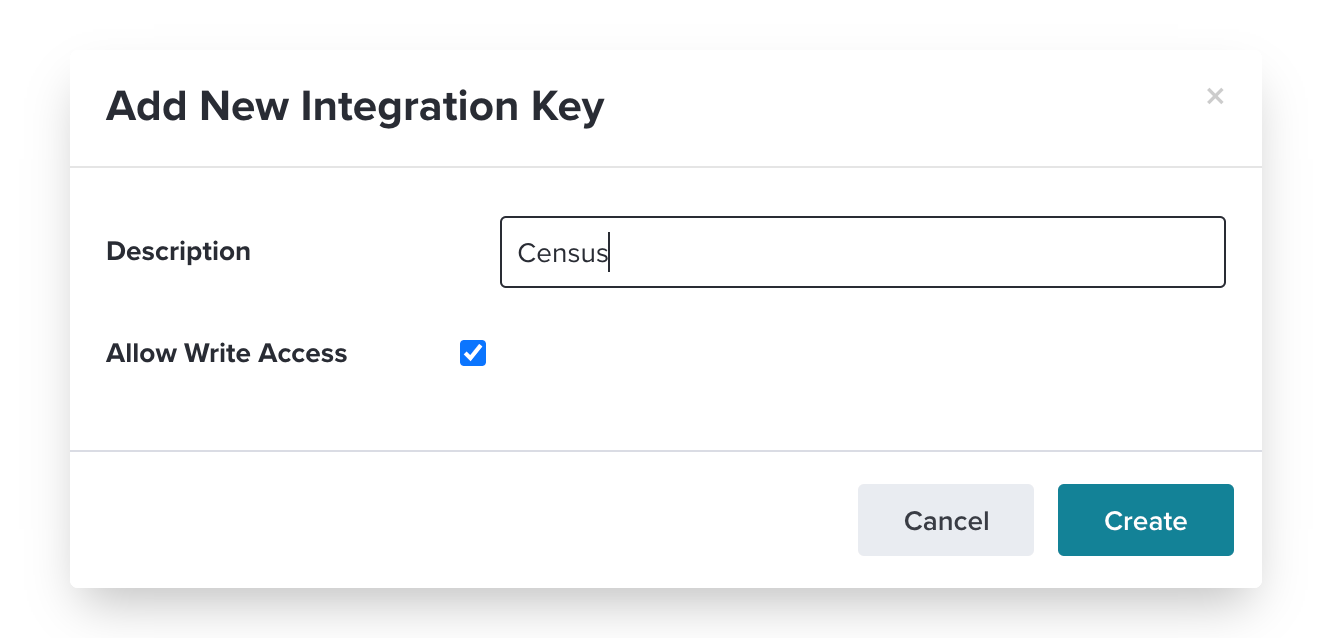
Finally, copy the long code you see under Key. We'll use that in a minute.

B. Create Track Events Shared Secret
If you plan to sync Track Events, Activations also needs your Track Event Shared Secret.
To find your shared secret:
- In Pendo, click Settings > Subscription Settings.
- Click the Applications tab.
- Click the application where you want to add events.
- In the application settings, click Show next to Track Event Shared Secret, and copy the value.
2. Create the Activations Connection
Now let's create your new Activations connection to Pendo.
In the Settings tab, create a new Pendo destination in Activations.
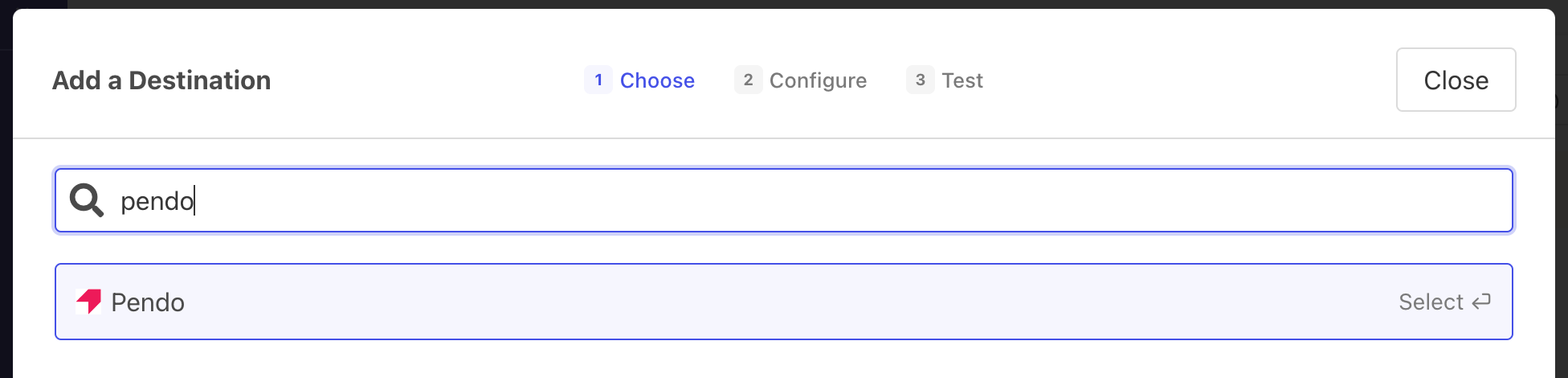
You can provide whatever name you like.
Copy and paste your new Pendo Integration Key, and optionally, your Track Event Shared Secret.
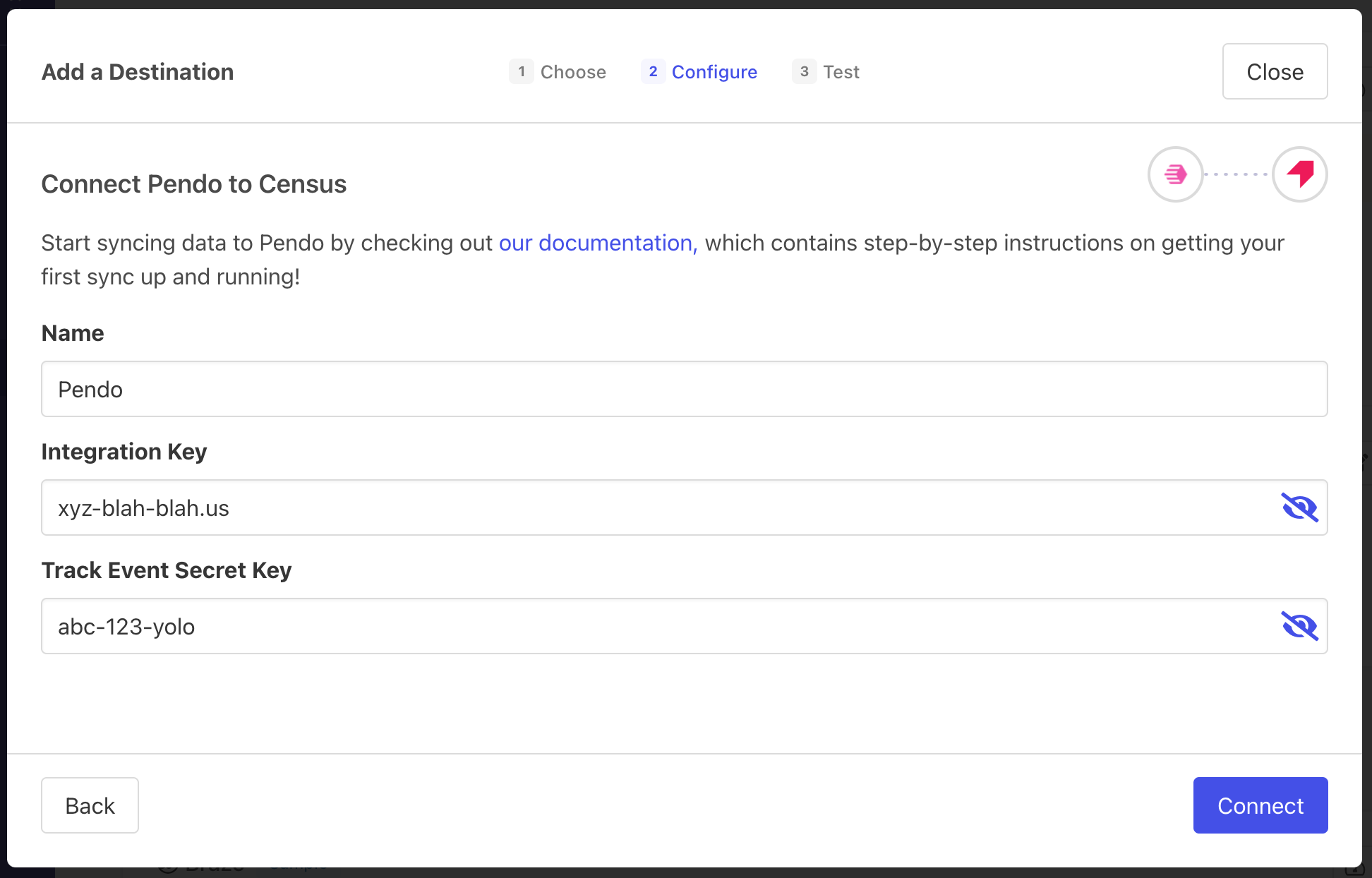
And you're all set and ready to get syncing! 🎉
Supported Objects and Sync Behaviors
Activations currently supports syncing to the following Pendo objects.
| Object Name | Supported? | Sync Keys | Behaviors |
|---|---|---|---|
| Account | ✅ | Account ID | Update or Create, Update Only |
| Visitor | ✅ | Visitor ID | Update or Create, Update Only |
| Track Event | ✅ | N/A | Send |
Creating Accounts and Visitors
Activations uses the Pendo ?create=true parameter to create Accounts and Visitors when running an Update or Create sync. Newly created objects are excluded from analytics and reports until actual user events are captured by the Pendo SDK. To view a newly created object in the Pendo UI, navigate directly to its ID in the URL. For example, for a visitor: https://app.pendo.io/s/<your_pendo_id>/visitor/<visitor_id>
Learn more about all of our sync behaviors in our Syncs documentation.
Contact Support if you want Activations to support more Pendo objects and/or behaviors