
Microsoft Advertising
This page describes how to use Activations with Microsoft Advertising(or Bing Ads).
Getting Started
In this guide, we will show you how to connect Microsoft Ads to Activations.
Prerequisites
- Have your Fivetran account ready. If you need one, create a Free Trial account now.
- Have your Microsoft Ads account ready.
- To create Customer Match syncs, your Microsoft Ads Account will need access to the Customer Match feature. See Microsoft's Customer Match policy for more details.
- Have the proper credentials to access your data source. See our docs for each supported data source for further information:
1. Connect Microsoft Ads
- Once you are in Activations, navigate to Destinations
- Click the New Destination button
- Select Microsoft Advertising in the dropdown list.
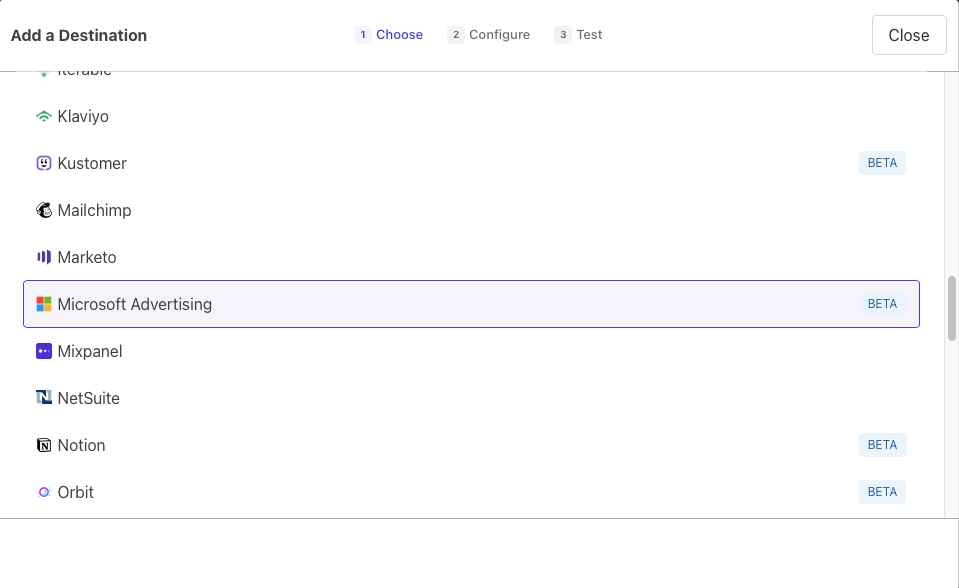
Follow Microsoft OAuth flow to connect to your Microsoft Advertising account.
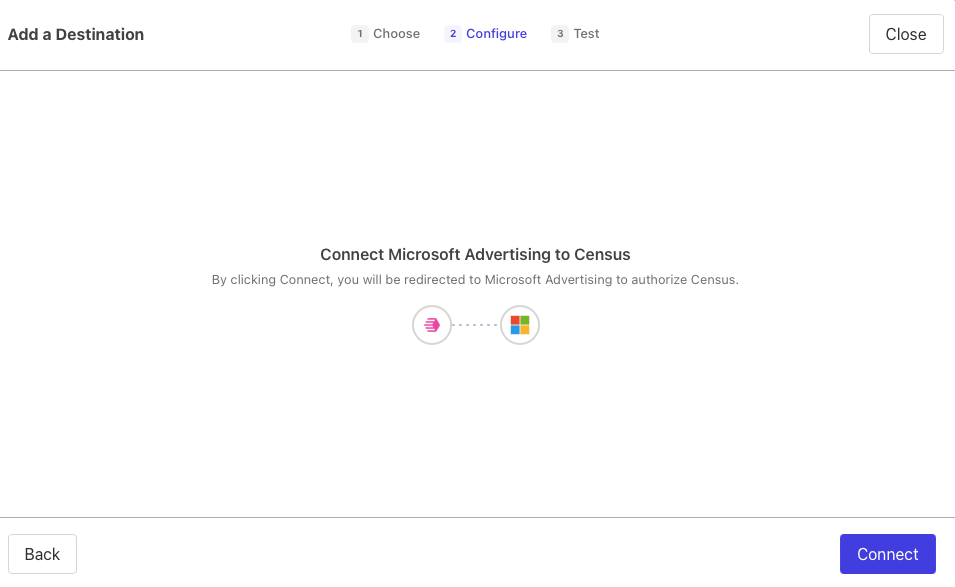
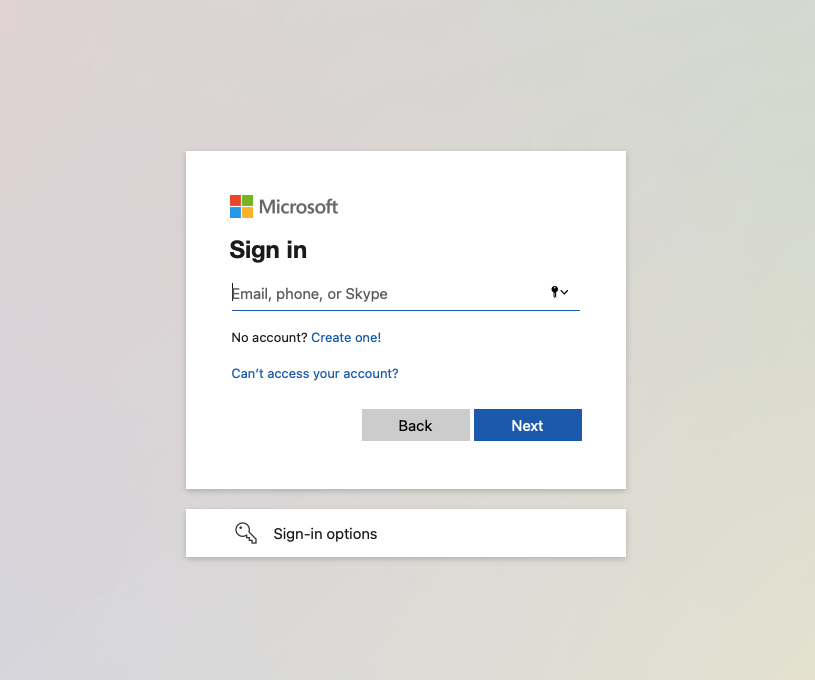
Finally, select the Microsoft Advertising account you'd like to sync to

2. Connect your Data Warehouse
Please follow one of our short guides depending on your data warehouse technology
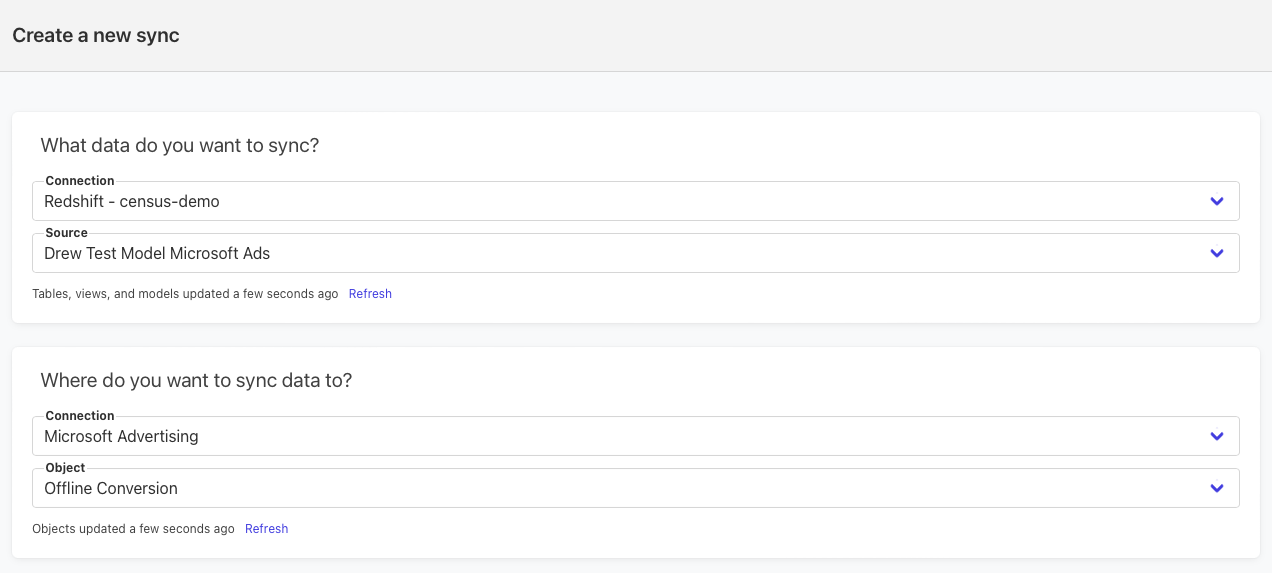
After setting up your warehouse, your Activations sync should look like this:
Supported Objects and Sync Behaviors
| Object Name | Supported? | Identifiers | Behaviors |
|---|---|---|---|
| Custom Audience | ✅ | Mirror | |
| Offline Conversion | ✅ | Any unique identifier | Send |
Learn more about all of our sync behaviors in our Syncs documentation.
Contact Support if you want Activations to support more Microsoft Ads objects and/or behaviors
Customer Match Terms of Service
By syncing a Customer Match audience (the Custom Audience object) to Microsoft Advertising, you agree to comply with Microsoft's Customer Match Terms, as required by Microsoft's Bulk API. Microsoft's Bulk API requires every Customer List upload to mark these terms as accepted, so every Custom Audience sync through Activations records this acceptance.
You remain responsible for following Microsoft's Customer Match policy — in particular, having collected the necessary end-user consent for the email addresses you upload. Review the terms before enabling a Custom Audience sync.