
Vero Cloud
This page describes how to use Activations with Vero Cloud.
Getting Started
Generate Vero Cloud auth token
- Open Vero Cloud
- Navigate to Settings > Project Details
- Select Add API Credentials
- Copy the Auth Token value to your clipboard
Add destination to Activations
- Open Activations
- Click New Destination
- Select Vero Cloud from the menu
- Paste your Auth Token
- Click Connect
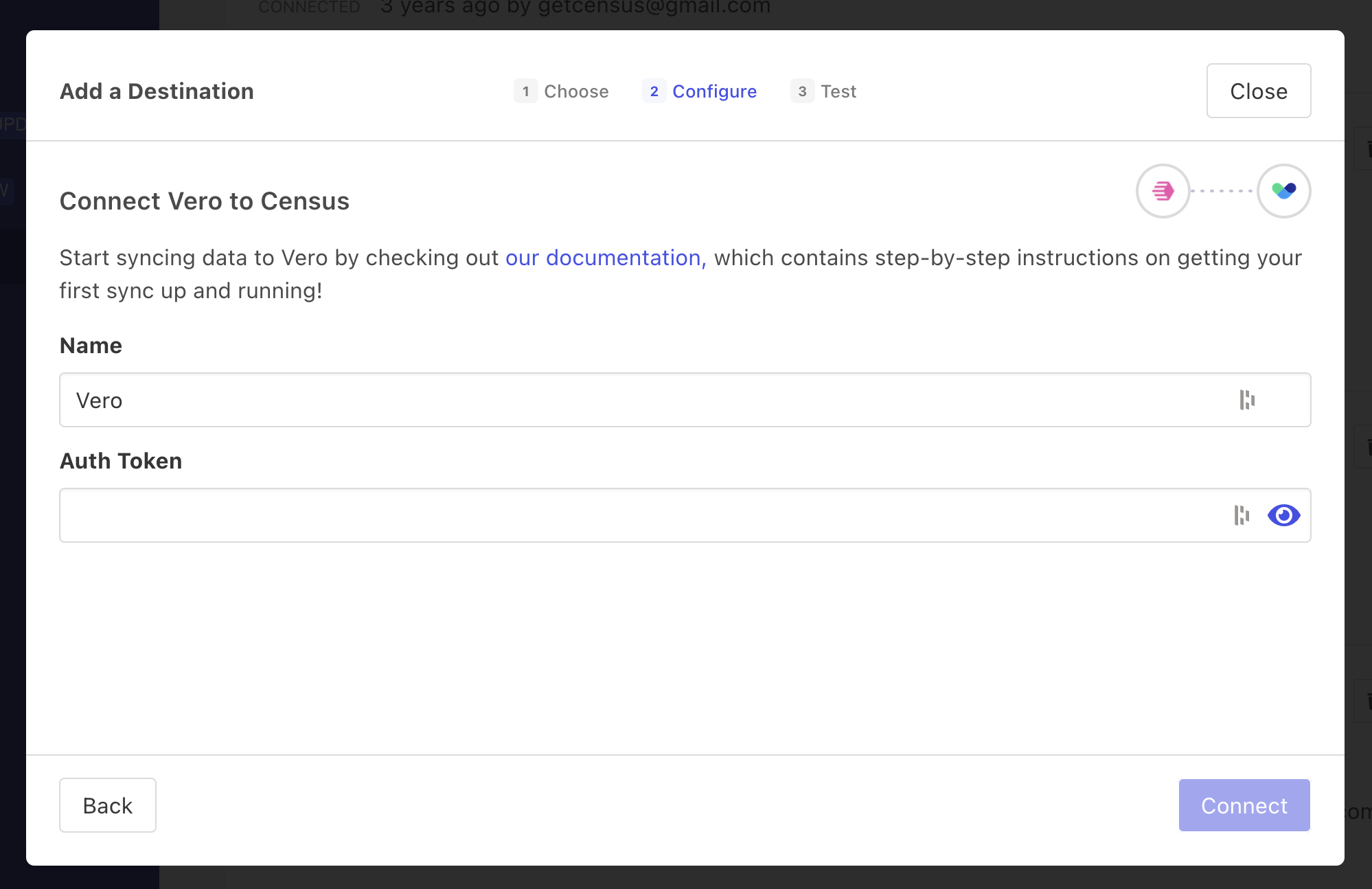
Add the auth token you generated in Vero Cloud.
Supported Objects and Sync Behaviors
| Object Name | Supported? | Sync Keys | Behaviors |
|---|---|---|---|
| Event | ✅ | Event ID (optional) | Send |
| User | ✅ | Update or Create |
Learn more about all of our sync behaviors in our Syncs documentation.
Contact Support if you want Activations to support more Vero Cloud objects and/or behaviors.