
Channable
This page describes how to use Activations with Channable.
Getting Started
- Navigate to the Destinations page in Activations and click New Destination.
- Select Channable from the menu.
- Enter your API Token, Company ID, and Project ID. The API Token and Company ID can be found on the Channable API page in the Channable app. The Project ID can be found on your project settings page.
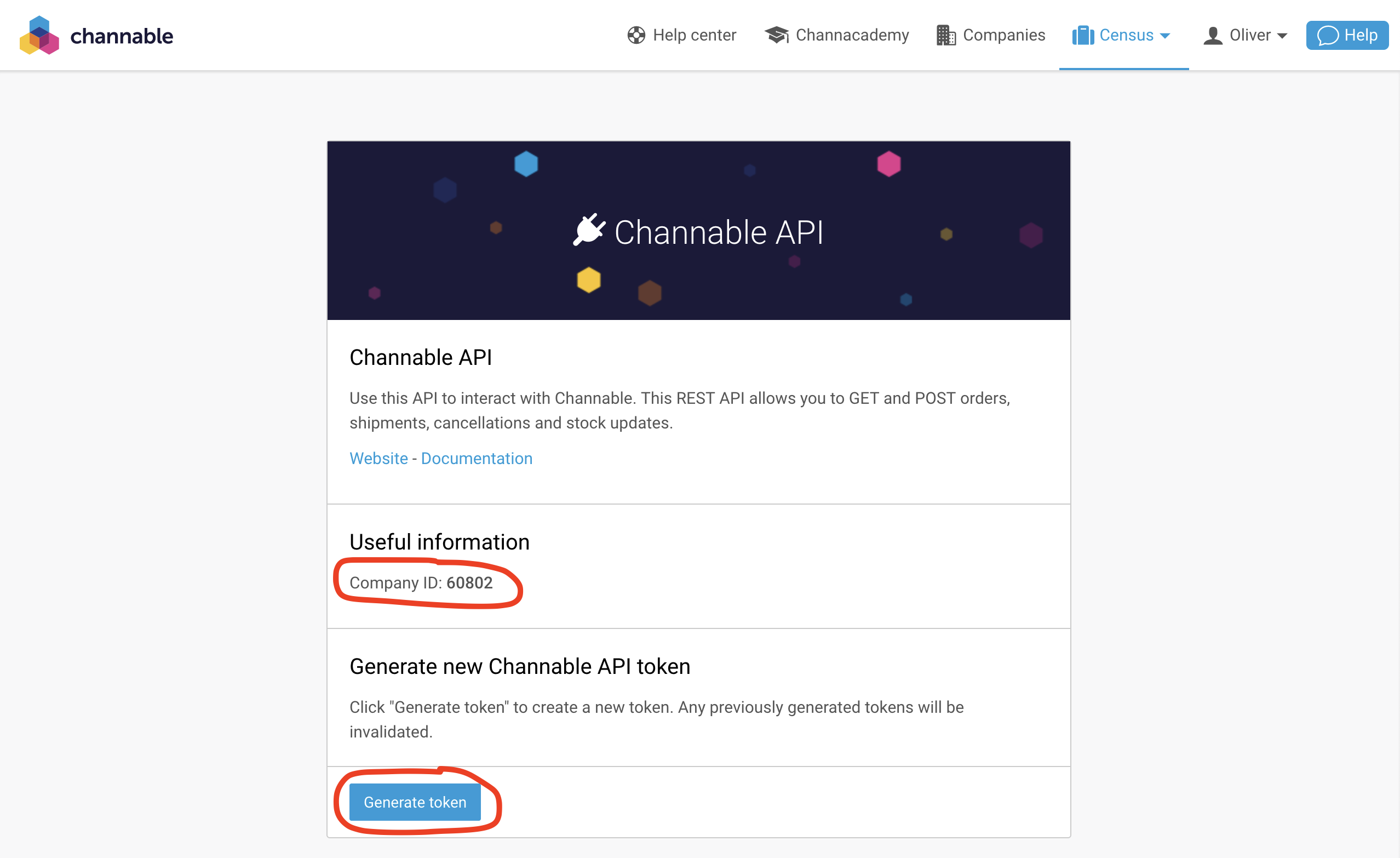
Get your API Token and Company ID from the Channable app.
Supported Objects and Behaviors
| Object Name | Supported? | Sync Keys | Behaviors |
|---|---|---|---|
| Order Cancellation | ✅ | Order ID | Update Only |
| Return | ✅ | Return ID | Update Only |
| Shipment | ✅ | Order ID | Update Only |
Contact Support if you want Activations to support more Channable objects and/or behaviors.