
ClickUp
This page describes how to use Activations with ClickUp.
Getting Started
- Navigate to the Destinations page in Activations and click New Destination.
- Select ClickUp from the menu.
- Complete the OAuth flow to grant Activations access to your ClickUp workspace. Note that you'll have to create a separate Activations connection for each workspace you wish to send data to.
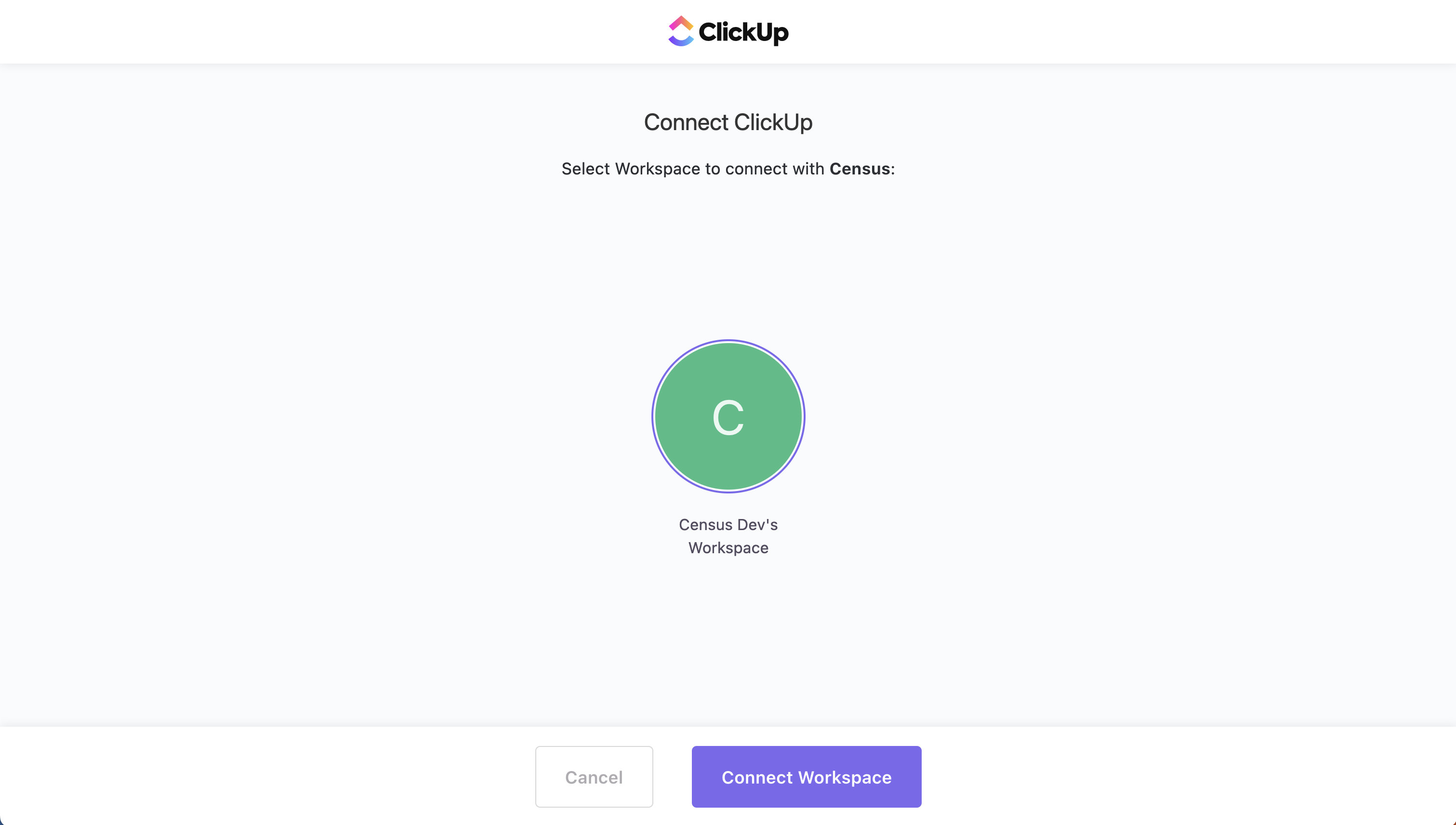
Select the workspace you wish to use with Activations.
Supported Objects and Sync Behaviors
| Object Name | Supported? | Sync Keys | Behaviors |
|---|---|---|---|
| Task | ✅ | Any unique identifier | Add, Update Only |
Learn more about all of our sync behaviors in our Syncs documentation.
Contact Support if you want Activations to support more ClickUp objects and/or behaviors.