
Google Ads
This page describes how to use Activations with Google Ads.
Getting Started
Connecting to your Google Ads account is straightforward.
From the Destinations page, click New Destination and select Google Ads from the menu.
Complete the OAuth flow. Make sure your are signed into a user account that has permissions to both view all of your accounts, as well as submit data to them (readonly accounts will not work).
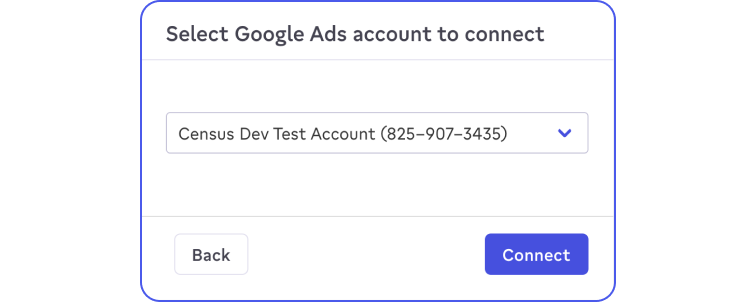
Select the Ads account you wish to use with Activations. If you'd like to sync to multiple accounts, you will need to add each as its own destination.
Supported Objects and Sync Behaviors
Click the link for more information on each of the services
| Object Name | Supported? | Sync Keys | Behaviors |
|---|---|---|---|
| Call Conversion | ✅ | Caller ID | Update or Create |
| Click Conversion | ✅ | Google Click ID, Google wBraid, Google gBraid, | Update or Create |
| Conversion Adjustment | ✅ | Any unique identifier | Send |
| Customer Match Lists (Audiences) | ✅ | External ID, MAID, Email, First Name, Last Name, Phone Number | Upsert |
| Enhanced Conversion | ✅ | N/A | Update or Create |
Learn more about all of our sync behaviors in our Syncs documentation.
Contact Support if you want Activations to support more Google Ads objects and/or behaviors