
Snapchat
This page describes how to use Activations with Snapchat Ads.
Getting Started
- In Activations, navigate to the Destinations page in Activations and click New Destination.
- Select Snapchat from the menu.
- Follow the OAuth flow to connect to your Snapchat account.
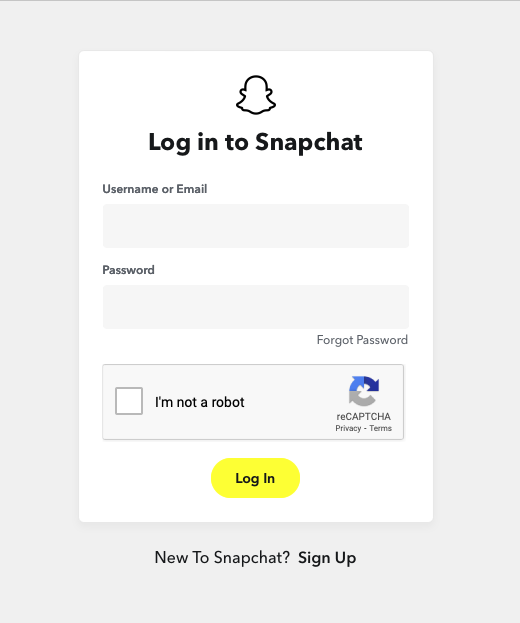
Enter your Snapchat credentials to complete the OAuth flow.
Supported Objects and Sync Behaviors
| Object Name | Supported? | Identifiers | Behaviors |
|---|---|---|---|
| Conversion Event | ✅ | External ID | Send |
| Customer List | ✅ | Mobile Ad ID, Email, Phone | Update or Create, Mirror |
Learn more about all of our sync behaviors in our Syncs documentation.
Contact Support if you want Activations to support more Snapchat objects and/or behaviors.
Field Normalization
Activations does not automatically normalize PII fields sent to Snapchat. When providing values to Activations, please apply the normalization specified by Snapchat:
Activations also supports passing prehashed PII fields directly to Snapchat for increased data security.
| Property | Normalization | Hash Method |
|---|---|---|
| Lowercase Hex SHA256 | |
| Mobile Advertiser ID (IDFA or GAID) |
| Lowercase Hex SHA256 |
| Phone Number |
| Lowercase Hex SHA256 |
Need help connecting to Snapchat?
Contact us via the Support portal.