
Oracle Responsys
This page describes how to use Activations with Oracle Responsys.
Getting Started
- Navigate to the Destinations page in Activations and click New Destination.
- Select Oracle Responsys from the menu.
- Enter your Authentication Endpoint (see this page), Username, and Password. Please ensure your Responsys username has API access.
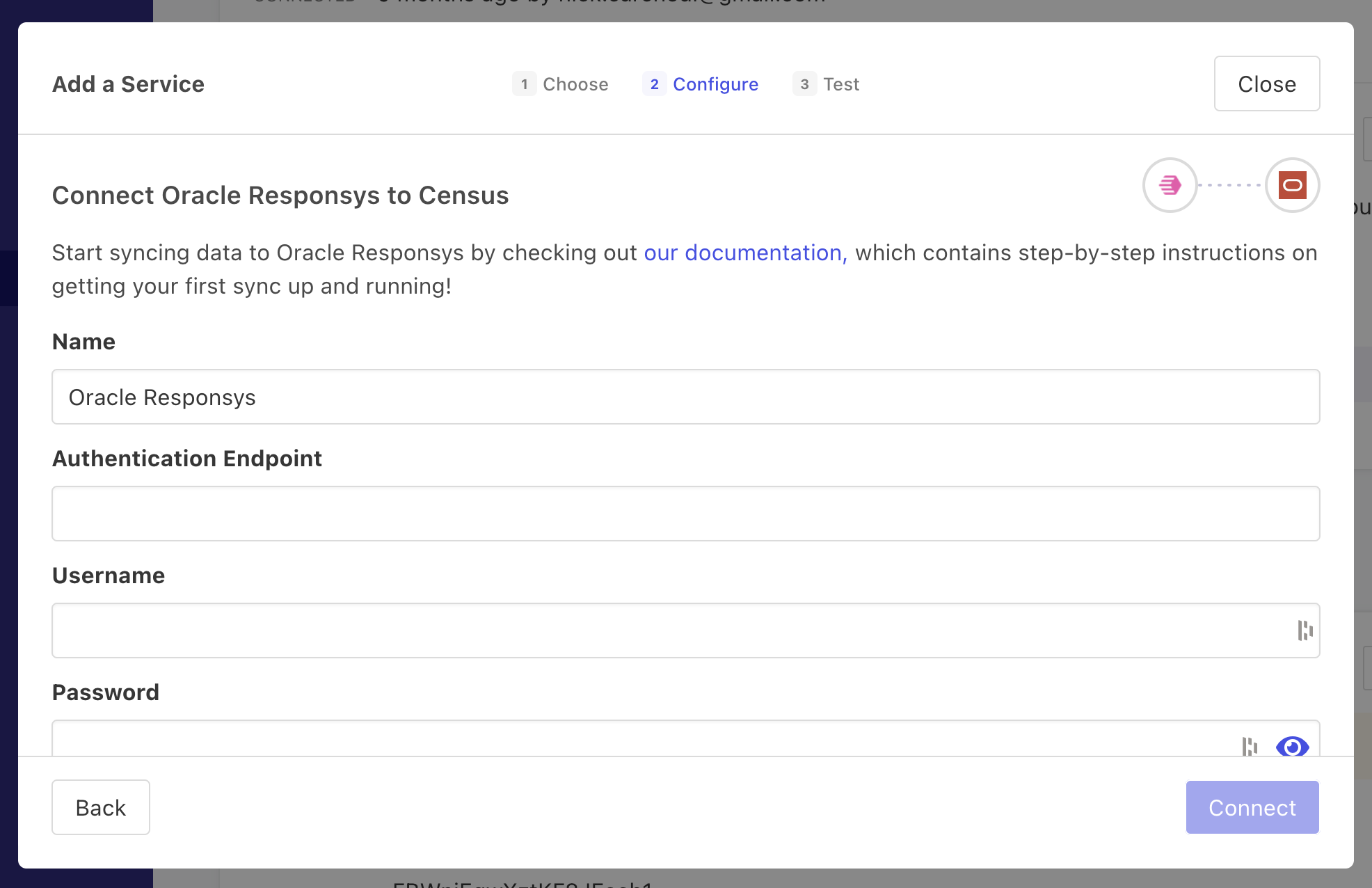
Enter your Responsys credentials to connect with Activations.
Supported Objects and Behaviors
| Object Name | Supported? | Sync Keys | Behaviors |
|---|---|---|---|
| Profile List (Recipients) | ✅ | Customer ID, Responsys ID, Email Address, Email MD5 Hash, Email SHA256 Hash, Mobile Number | Update or Create |
| Profile Extension Table | ✅ | Customer ID, Responsys ID, Email Address, Email MD5 Hash, Email SHA256 Hash, Mobile Number | Update or Create |
Contact Support if you want Activations to support more Responsys objects and/or behaviors.