
Azure Blob Storage
This page describes how to sync data to Azure Blob Storage.
Getting Started
- Navigate to the Destinations page in Activations and click New Destination.
- Select Azure Blob Storage from the menu.
- Enter the requested credentials.
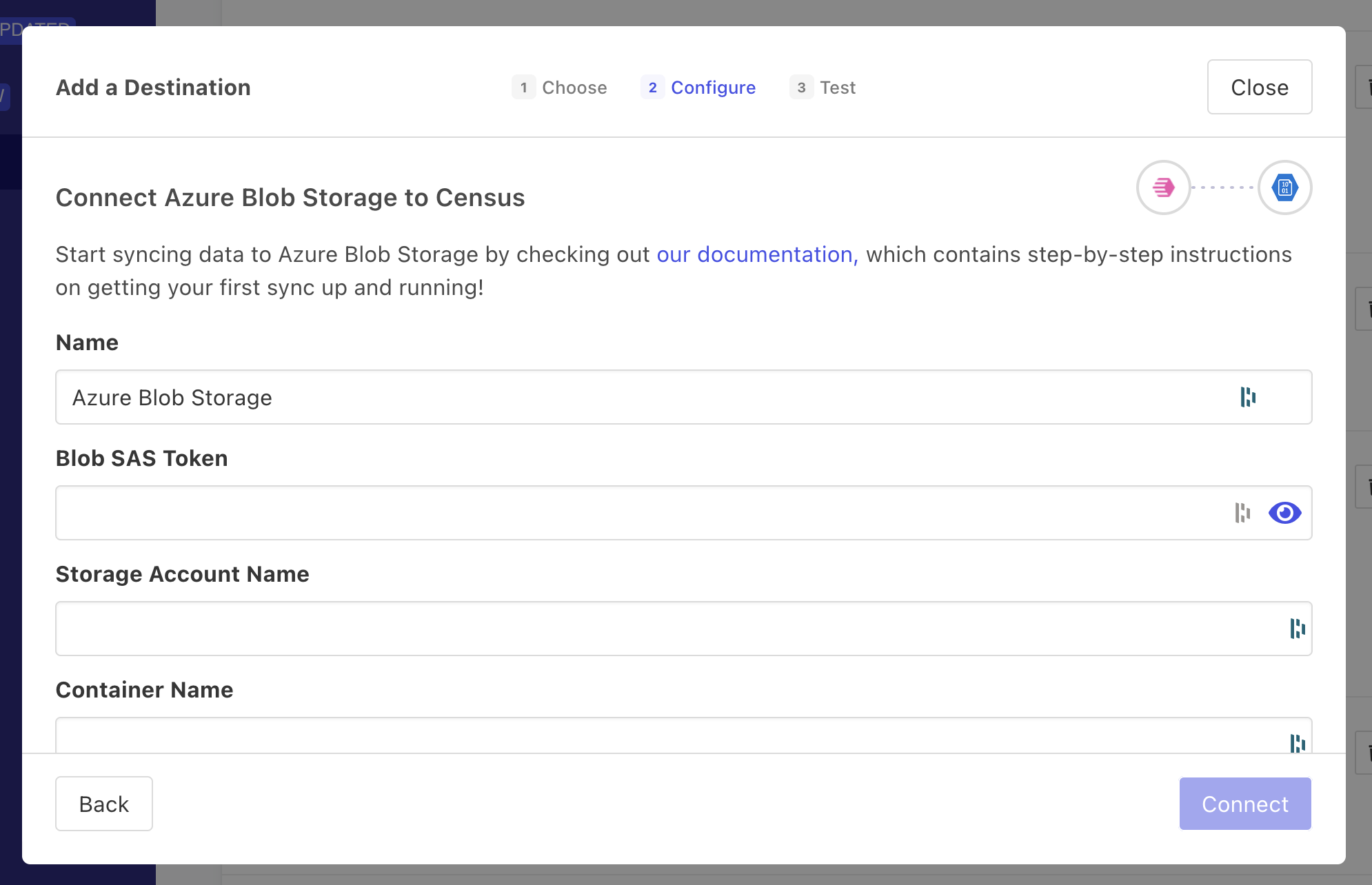
Enter your Azure Blob Storage credentials in Activations.
Supported Sync Behaviors
| Behavior | Supported? | Objects |
|---|---|---|
| Replace | ✅ | All |
Learn more about all of our sync behaviors in our Syncs documentation.
Contact Support if you want Activations to support more sync behaviors for Azure Blob Storage.
File Path
When setting up a sync to Azure, you can provide a file path for the file name Activations will create/replace. The file path can include folders. Data arrives in one file to the designated bucket and file path.
Variables
When defining the File Path, you can use variables that will be set when the sync runs. This allows you to create and sync to new files that reflect the date and time of the sync.
| Variable | Description | Example Values |
|---|---|---|
%yyyy | 4-digit year | 1997 |
%y | 2-digit year | 97 |
%m | month with zero padding | 07, 12 |
%-m | month without zero padding | 7, 12 |
%d | day with zero padding | 03, 23 |
%-d | day without zero padding | 3, 23 |
%H | 24 hour with zero padding | 08, 18 |
%k | 24 hour without zero padding | 8, 18 |
%I | 12 hour with zero padding | 08, 12 |
%l | 12 hour without zero padding | 8, 12 |
%M | minute with zero padding | 04, 56 |
%S | second with zero padding | 06, 54 |
Advanced Configuration
In addition to the file path, you can configure how the data is encoded as it is written. Primarily this is a question of file format:
- CSV - The standard comma separated values file. You can optionally specify an alternative delimiter such as
|*, and you can enable/disable the header row. - TSV - The tab separated values file. You can enable/disable the header row.
- JSON - A single JSON array of objects
- NDJSON - New line-delimited list of JSON objects
- Parquet - A columnar storage format that is more efficient for certain types of data.
- If your configured delimiter is present in data values, Activations will automatically add double quotes around the value.
&#xNAN;Example:Hello, worldis written as as"Hello, world"if the chosen delimiter is a comma.
In addition to file format, you can also provide a PGP Public Key to encrypt the data before it is written to the file. This is useful for ensuring that the data is secure in transit and at rest.
You can also set a File Name Timestamp Offset (seconds) to shift the timestamp tokens in your file path earlier or later. For example, an offset of -86400 shifts the timestamp back 24 hours. The offset is resolved in UTC and reflected in the file path preview when setting up a sync. Leave this field blank to keep the default of 0.