
Salesforce Commerce Cloud
This page describes how to use Activations with Salesforce Commerce Cloud.
Getting Started
- Navigate to the Destinations page in Activations and click New Destination.
- Select Salesforce Commerce Cloud from the menu.
- In another browser tab, open the Commerce Cloud Account Manager and follow the instructions here to create a new API Client. Enter the following under Allowed Scopes:
sfcc.customerlists.rw. Take note of your API Client ID and password—you'll need them in a moment. - Navigate to Administration > Sites > Manage Sites and take note of the relevant Site ID.
- Finally, go to Administration > Site Development > Salesforce Commerce API Settings and copy your Short Code and Organization ID.
- Now return to Activations and input the values you captured above to connect to Commerce Cloud.
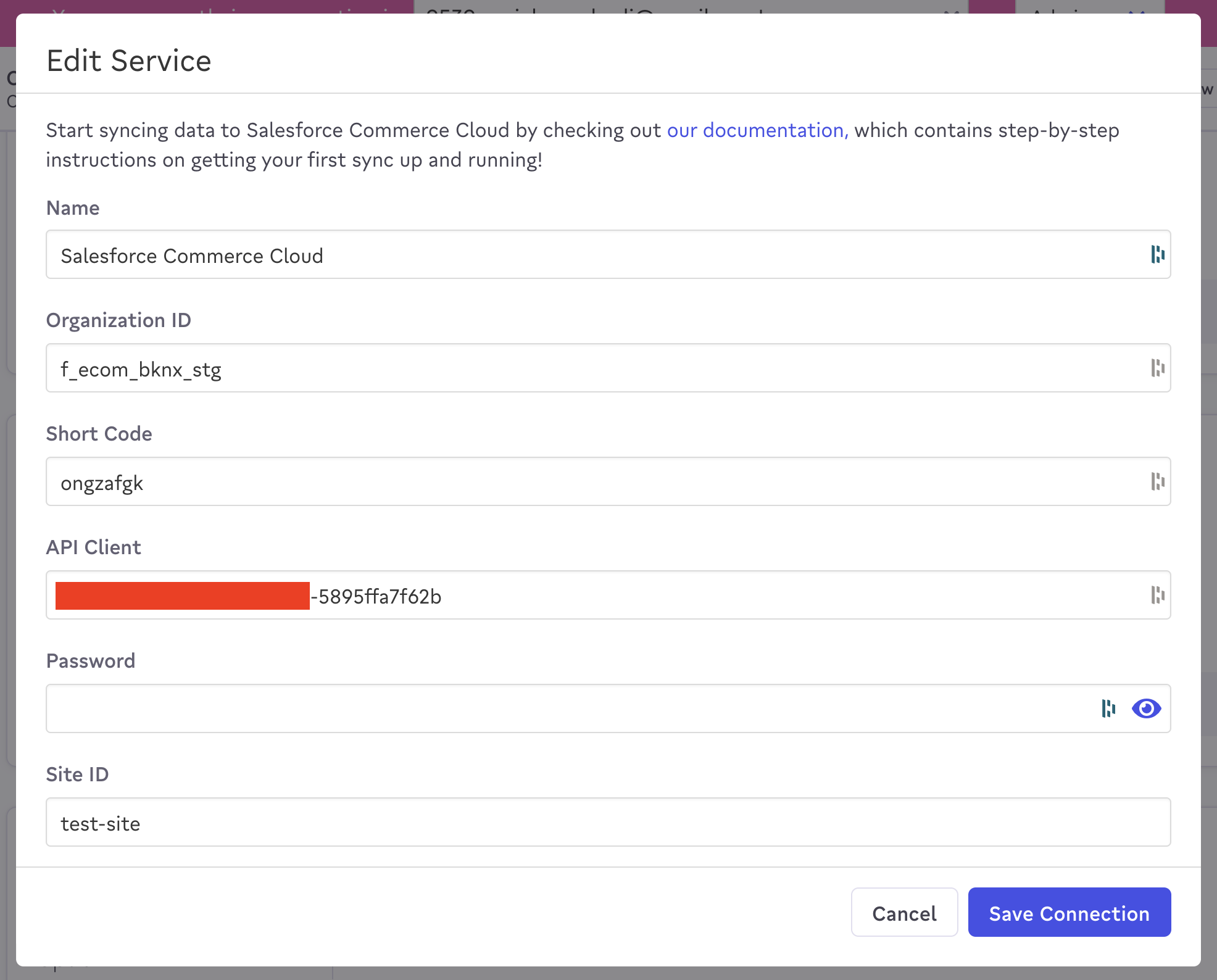
Enter your credentials to connect to Commerce Cloud.
Supported Objects and Behaviors
| Object Name | Supported? | Sync Keys | Behaviors |
|---|---|---|---|
| Customer | ✅ | Customer No, Email | Update Only |
Contact Support if you want Activations to support more Salesforce Commerce Cloud objects and/or behaviors.