
MotherDuck
This page describes how to use MotherDuck as a source in Activations.
Getting Started
- If you haven’t already, sign up for MotherDuck and start a free Activations trial
- Go to the MotherDuck UI and copy your service token
- Open Activations and navigate to the Sources page
- Click New Source and select MotherDuck from the list:
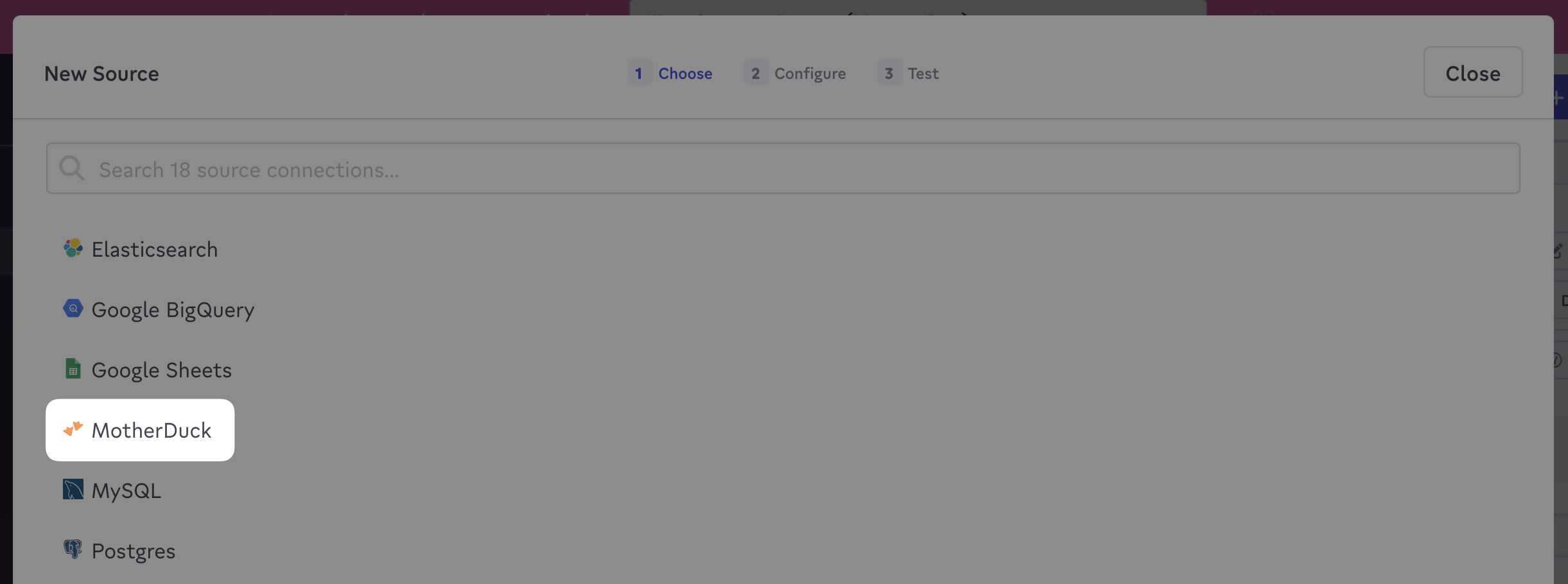
Select the MotherDuck source.
- Enter your service token and click Connect
- You’re all set! Head over to the Syncs page to activate your data:
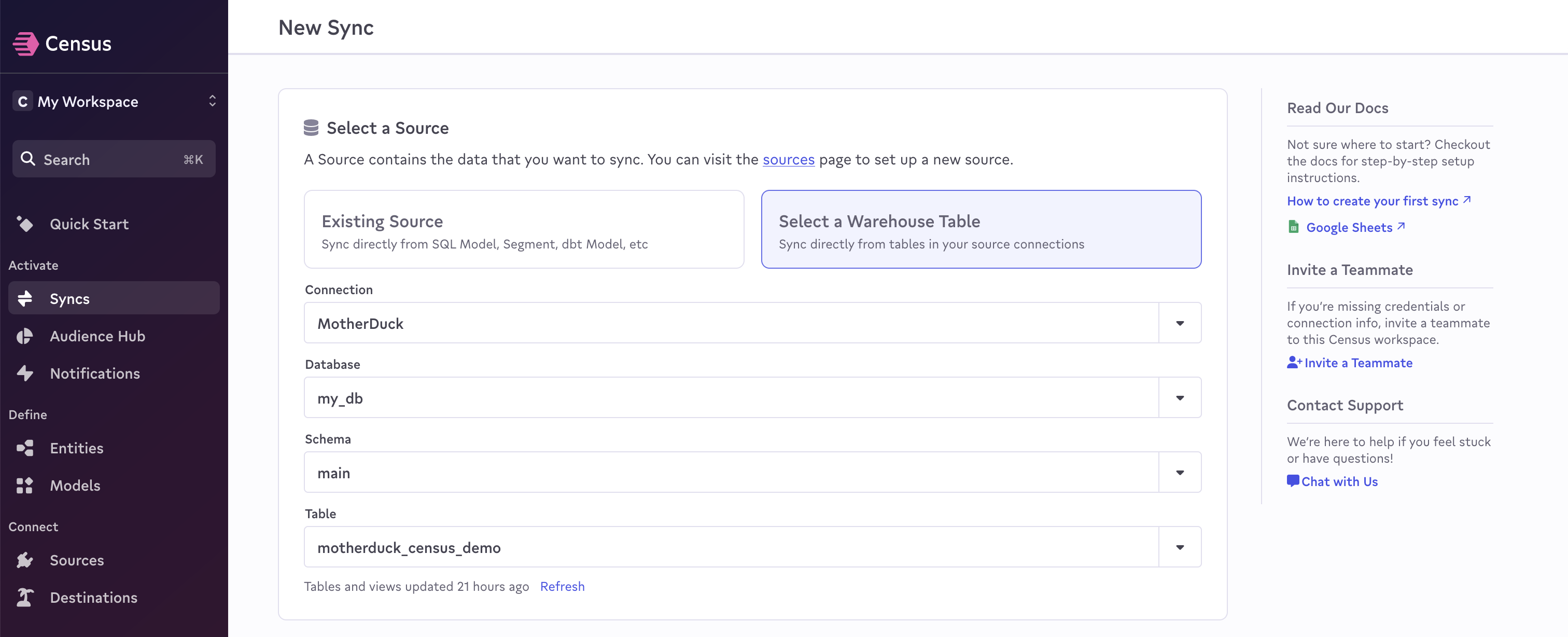
Create your first MotherDuck sync.
Notes
As of June 2023, MotherDuck only supports our Basic Sync Engine.