
Embedded Connect Links
This guide will walk you through embedding Census connect links into your own application.
These features are only available for Activations in Powered by Fivetran customers. If you don't see these options, please reach out to Customer Support.
Census offers drop-in UI components to help you build and maintain activation connections on behalf of your customers. Enable your customers to add their connections directly in your application, with almost no developer effort needed.
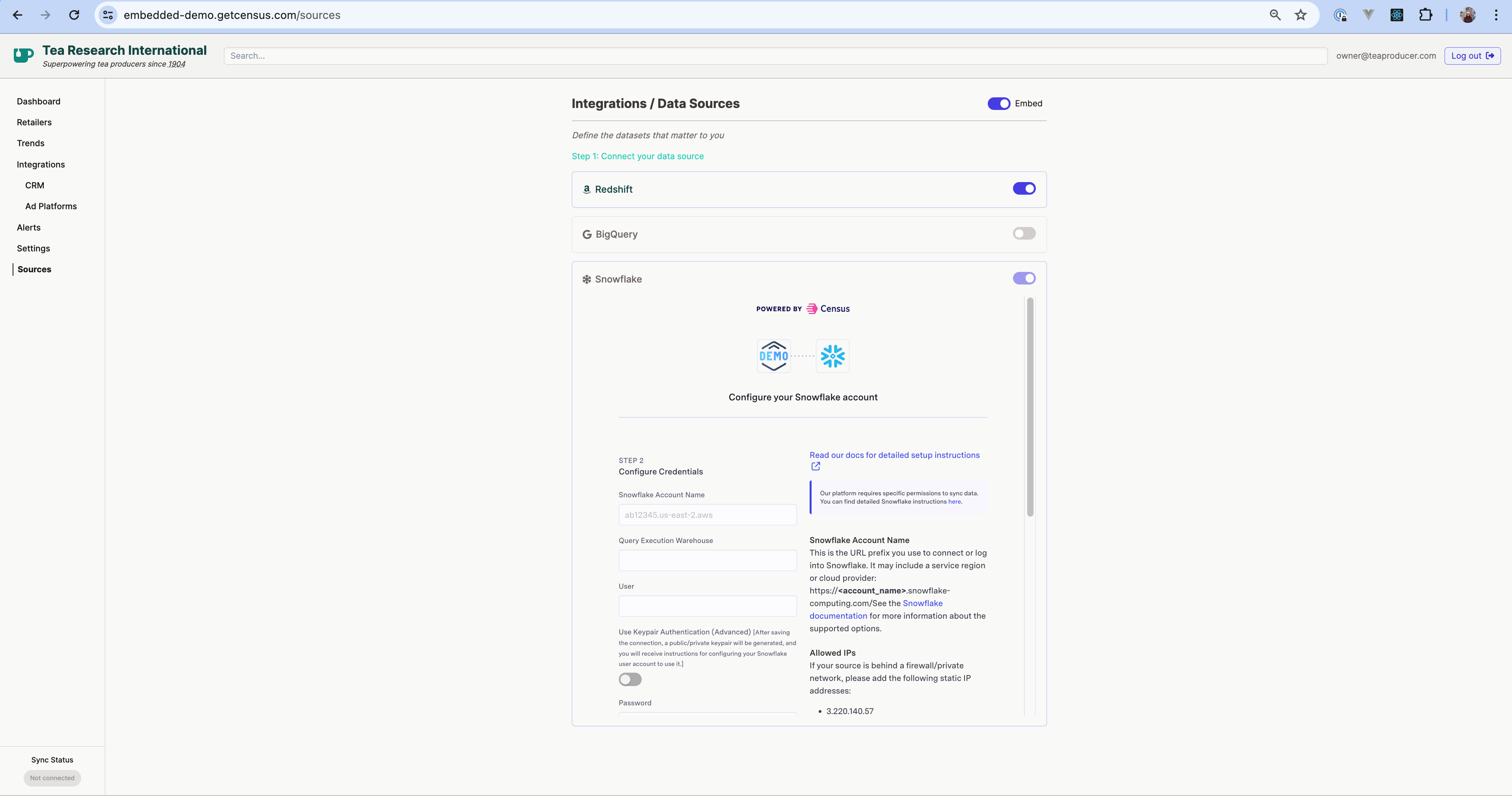
An embedded component is an iframe in your application, pointing to a Census connect link. To see a working example, check out our Embedded Demo application (source code).
This component allows end users to create and manage their activation data source connections from your application.
Initial Setup
The origin URL is the domain of the application you embed the iframe in. For instance, https://my-site.com. Only approved URLs are allowed to embed these components. Before you get started, you'll need to provide your Census account manager with your URL(s), or reach out to us on the Support portal.
If you're developing locally, please send us a unique, publicly accessible URL pointing to your local instance. You can use ngrok or other similar tools to generate this for your localhost.
Generate a Source Connect Link
You can create Source Connect Links via the Source Connect Link API.
Embed the Source Connect Link in an iframe
<iframe src="https://app.getcensus.com/pbc?auth=<token>" allow="clipboard-read; clipboard-write" />
Note the use of a permissions policy that allows the iframe to read and write to clipboard. We recommend adding this so that the Census application can write content like a Google Sheets service account to your users' clipboards.
Handle events from the iframe
The iframe emits events using the postMessage API. You can see an example of how to handle these messages in our Demo app repo. The following events are available to help you manage the iframe lifecycle, via the data property of the message:
Loaded
This event indicates the iframe is ready to be shown to the user.
{
  message: "LOADED"
}
Exited
This event indicates the user has quit the connect flow. If a connection is successfully created, the following payload is returned:
{
  message: "EXITED_CONNECT_FLOW",
  data: {
    status: "created",
    details: {
      id: 38
    }
  }
}
otherwise the payload will indicate a connection was not created:
{
  message: "EXITED_CONNECT_FLOW",
  data: {
    "status": "not_created"
  }
}
State Change
This event indicates the user is viewing a new screen in the source connection flow.
{
  message: "STATE_CHANGE",
  data: {
    state: "start"
  }
}
The following states are possible:
loading_screen
error_screen

start
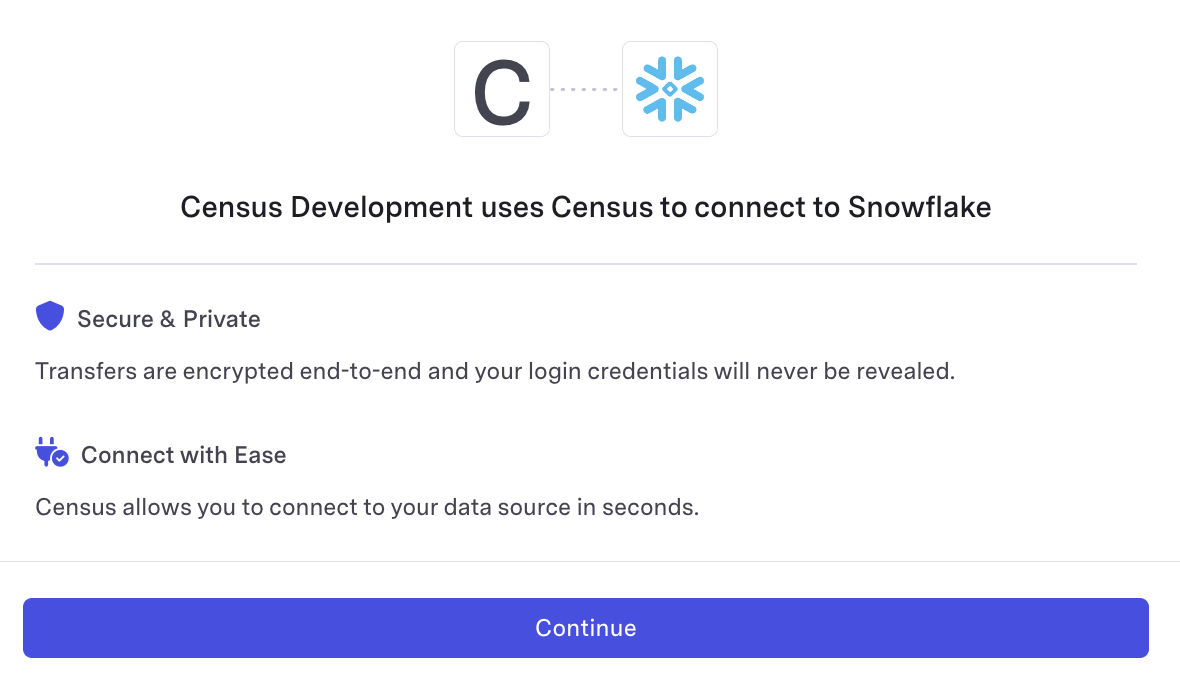
enter_credentials
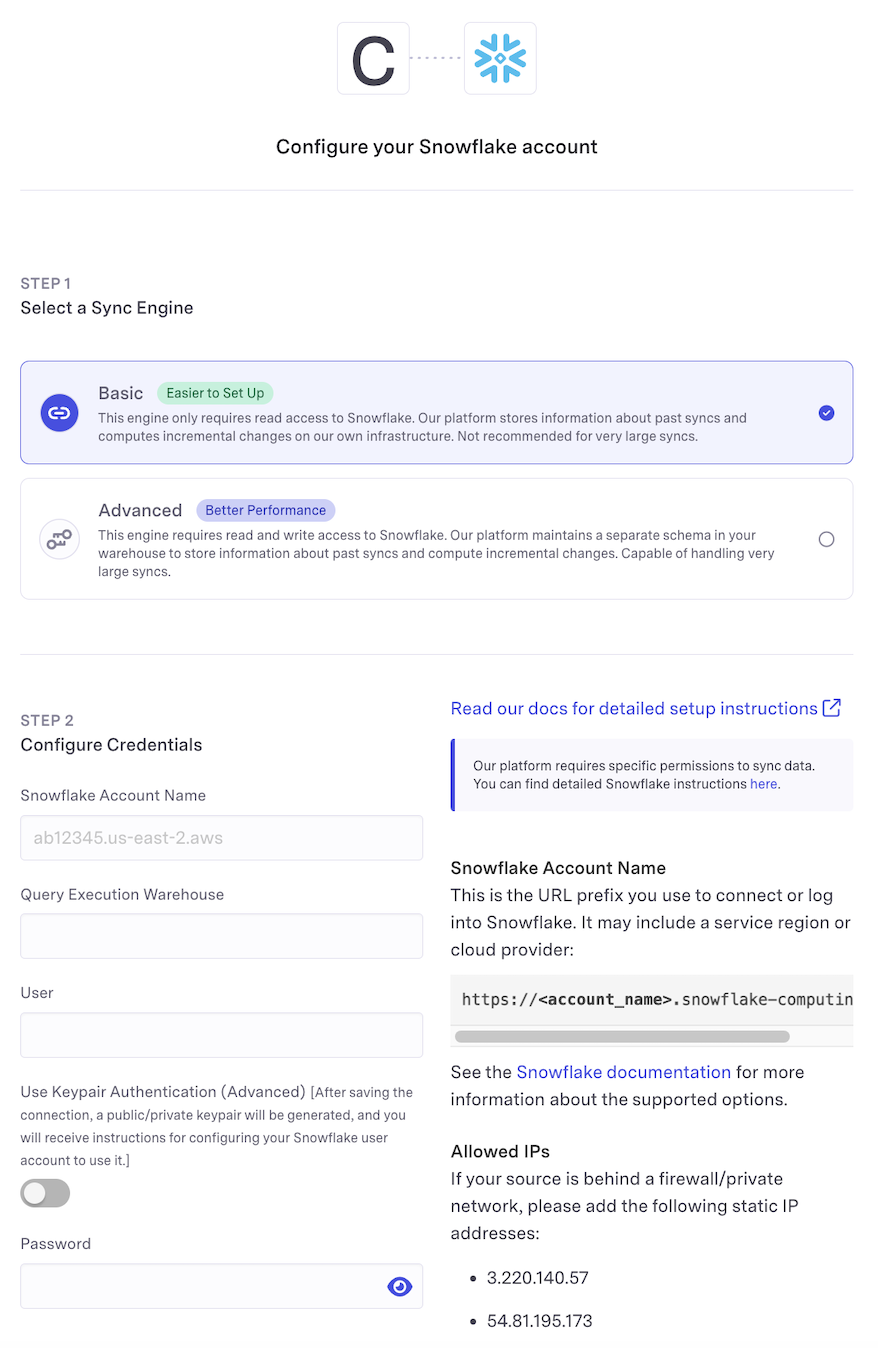
further_setup_instructions
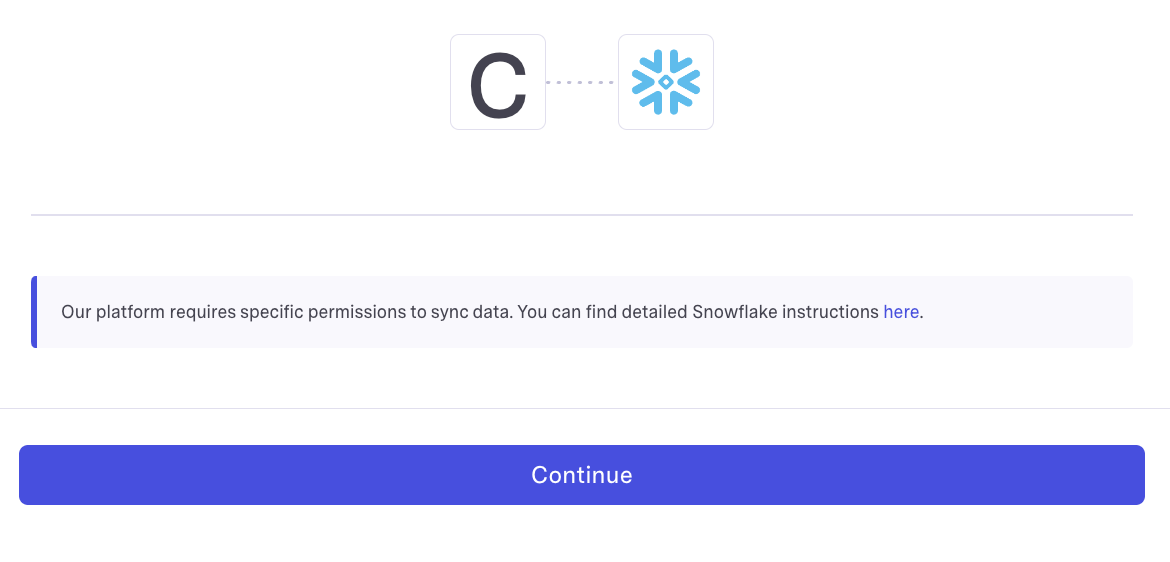
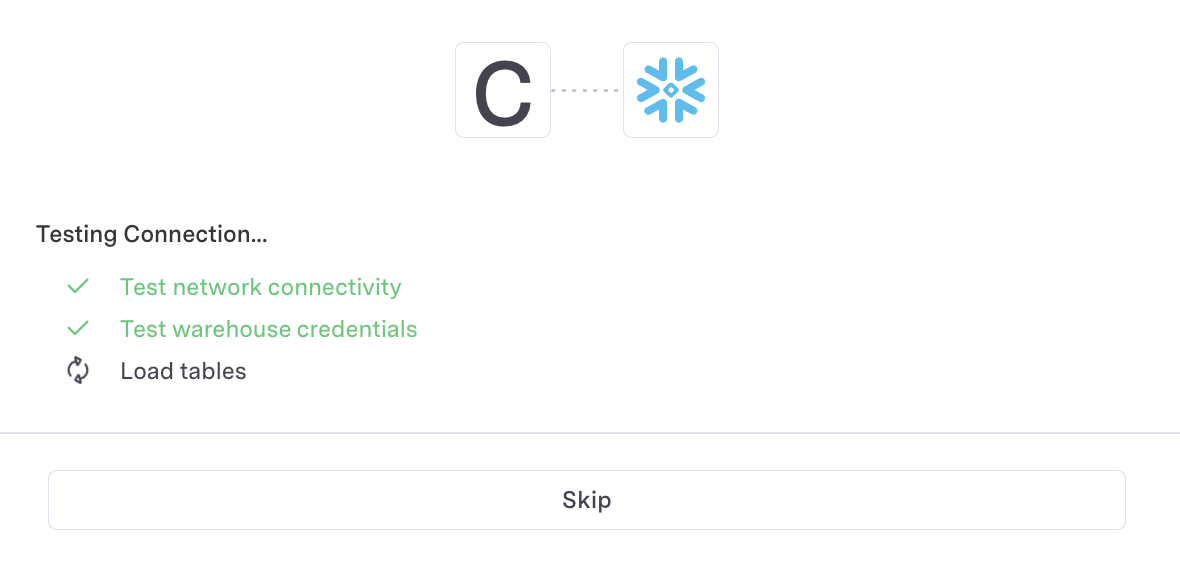
test_connection
Coming soon! Reach out to us if you're interested in embedded destination connect links.